
SIDEKICK
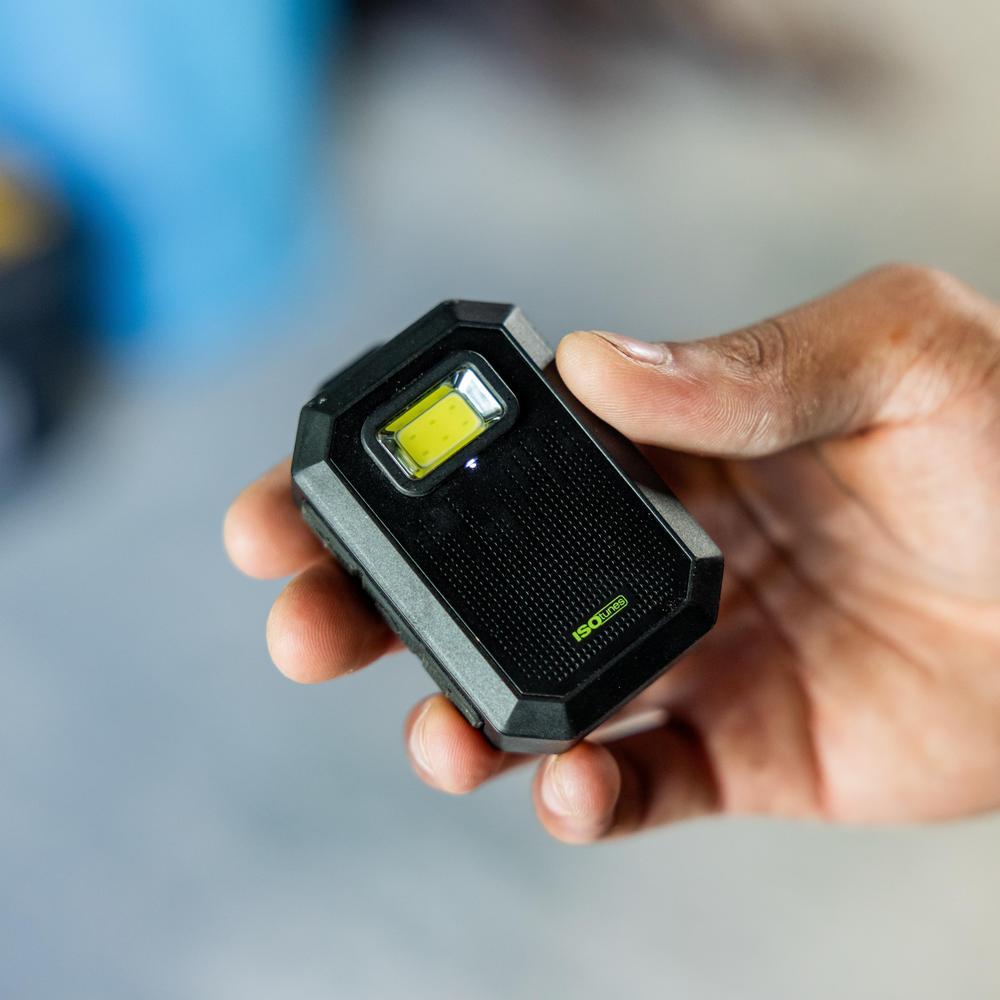
So you just got your SIDEKICK, huh? Get ready for a small speaker that pulls more than its weight. With big sound in a pocket-sized, wearable design that keeps it close, SIDEKICK is made to move with you wherever the day takes you.To get the best bang for your buck, you’ve got to learn everything you can about your new speaker. This guide will take you through everything you need to know.
Get to know sidekick

Online manual for how to's
FAQ
SIDEKICK delivers up to 20 hours of battery life, depending on volume level, usage, and environment.
Yes. SIDEKICK has a built-in microphone, so you can take hands-free calls without needing to pull out your phone.
Yes. Two SIDEKICK speakers can be paired together for bigger, fuller stereo sound. To do this, put the first speaker into Stereo Mode by double pressing the Light Button. The LED on the front of the unit will blink continuously to indicate it is ready to connect to another unit. Next, power on your second speaker and put it into Stereo Mode by double pressing its Light Button. Its LED will also blink and after a short period of time the two speakers will connect. You will hear an audio prompt and both LEDs will appear solid.
Yes. SIDEKICK is built for work with IP67 durability, glove-friendly controls, a magnetic clip, hands-free calling, and a compact design that moves with you.
SIDEKICK comes with a rugged, zippered EVA shell case and a USB-C charging cable.
Yes. SIDEKICK is IP67 rated, meaning it’s built to resist dust, water, and tough worksite conditions.
Yes. SIDEKICK is a great option when you want personal audio without putting anything in or over your ears. In dangerously loud environments, we still recommend wearing proper hearing protection.